Overview
01/Emphasize
02/Define
03/Ideate
04/Prototype
05/Test



What: Website
Where: Austin, TX
Role: 4-person team, UX Researcher, UI Designer
Duration: September-December 2023
Overview
Enliven is a company that sells IV solutions, shots, and other health products to the private and corporate sector. This project is focused on redesigning its website’s accessibility and functionality.
Background
Background
Tools: Figma, Miro
Problem
The accessibility, design, and functionality of the Enliven website is not optimized to accommodate for all of its customers’ and/or users’ wants and needs.


We will perform a redesign of the entire website to accommodate for its customers & users through focused rapid contextual design.
The stakeholders of this website include almost anybody who is looking to be and feel healthy, the Enliven Wellness LLC (e.g. owner, website designer/maintainer, marketing team, etc.), competitors/potential competitors of Enliven Wellness (i.e. companies that sell IV solutions and shots), and companies that make available and sell health-related products to the public. Suppliers are not included because the suppliers of this company will not be significantly affected by the company’s success due to the suppliers’ biggest customers being hospitals all around the U.S..
Stakeholders
Solution Statement
The Process
Empathize
Define
Ideate
Prototype
Test

01/Empathize
Protocol & Questions
The protocol that we created for our interviews was an observational interview of intermittent work (i.e. usability test of the website). We observed how the user went about completing the tasks we asked them to complete on the company’s live website within the workspace and with the laptop/desktop device they chose.
The procedure goes as follows:
Ask for permission to record the interview
Tell the interviewee about the goal of the interview and how it will be conducted
Begin the the activity section of the interview
Ask questions about the activity section
Ask questions about the interviewee
We also assured the interviewees’ anonymity and that we would destroy all of the data (e.g. notes and recordings) we collected about the interviewee after the project’s completion.
Interviews
The criterion we used for choosing interviewees was a significant age difference between both interviewees for each interviewer (i.e. one interviewer had two interviewees who were at least 10 years apart). The interviews were conducted, at most, 48 hours before our first interpretation session and the interviews averaged 45 minutes.
Interpretation Sessions
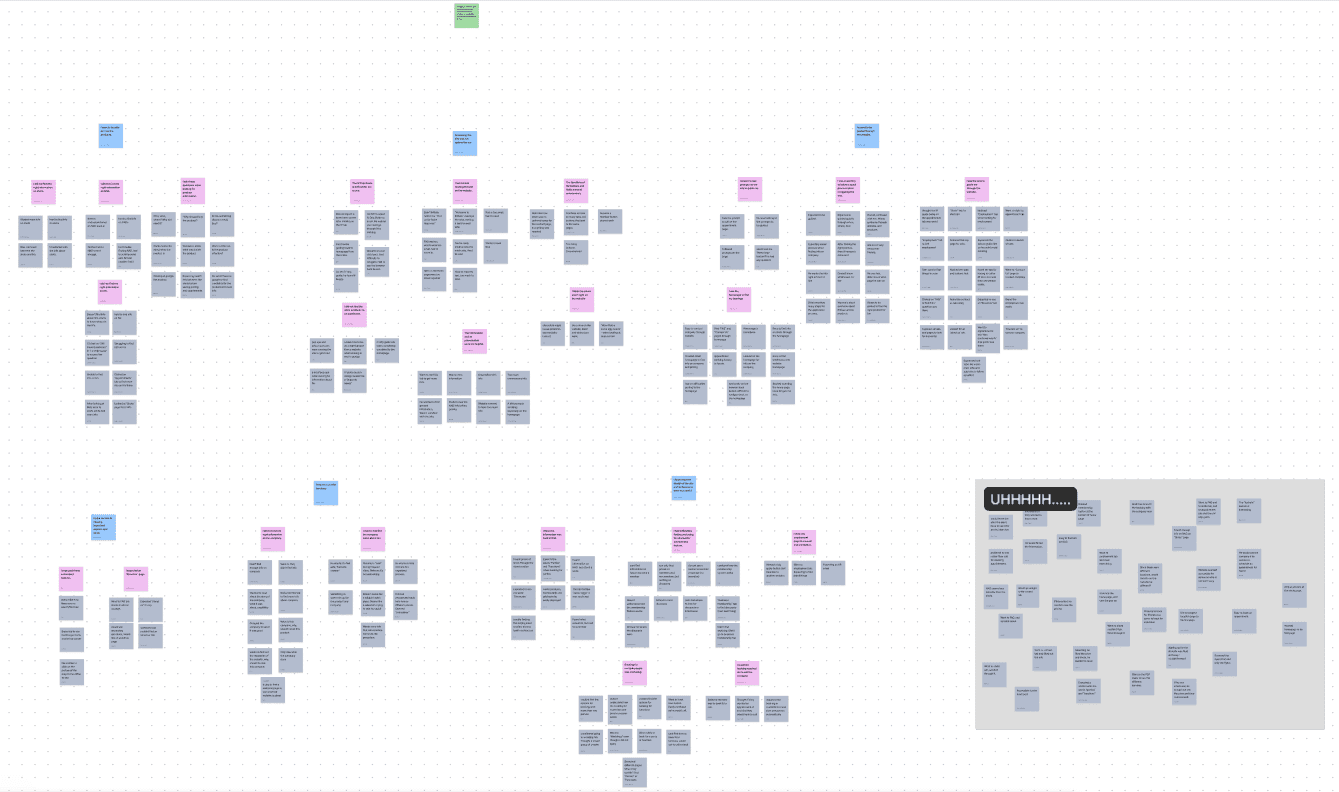
Affinity Diagram Here
Interpretation Session below

The goal of our interpretation sessions was to create an Affinity Diagram. To start, our first interpretation session progressed a lot slower than anticipated. This forced us to have two more sessions within a week of the first session. Although having more than one session was less than ideal, it allowed us more time to ponder on what we could do with the affinity notes (e.g. how to organize them).
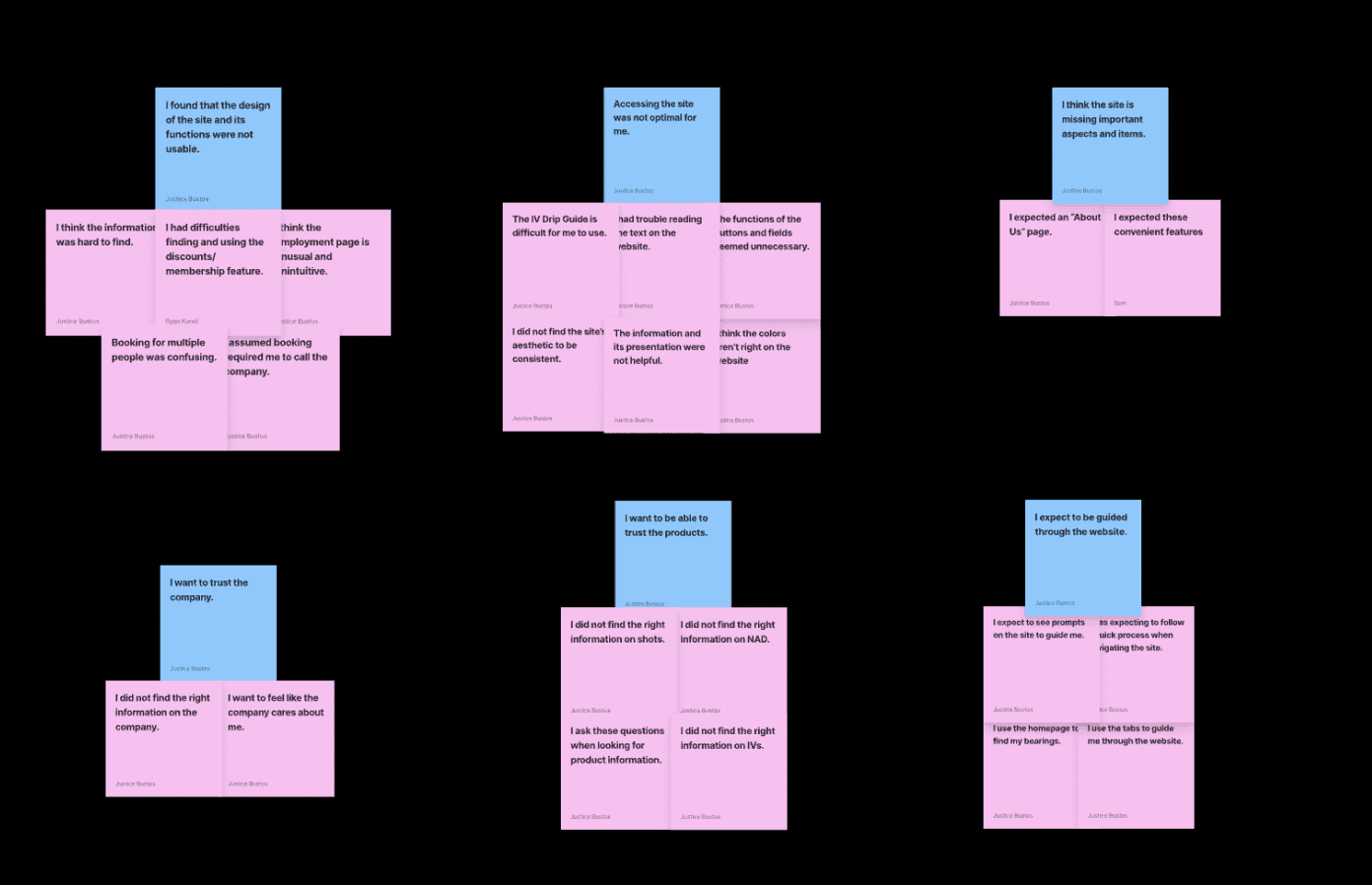
Our interpretation sessions averaged over 2 hours; the first session had all 4 members participating; for the second session, 1 out of the 4 members had to leave near the end of the session; and the last session had 3 out of the 4 members present. Prior time commitments/schedule conflicts were significant obstacles for this part of the milestone. Below is a display of the labels from the diagram.

02/Define
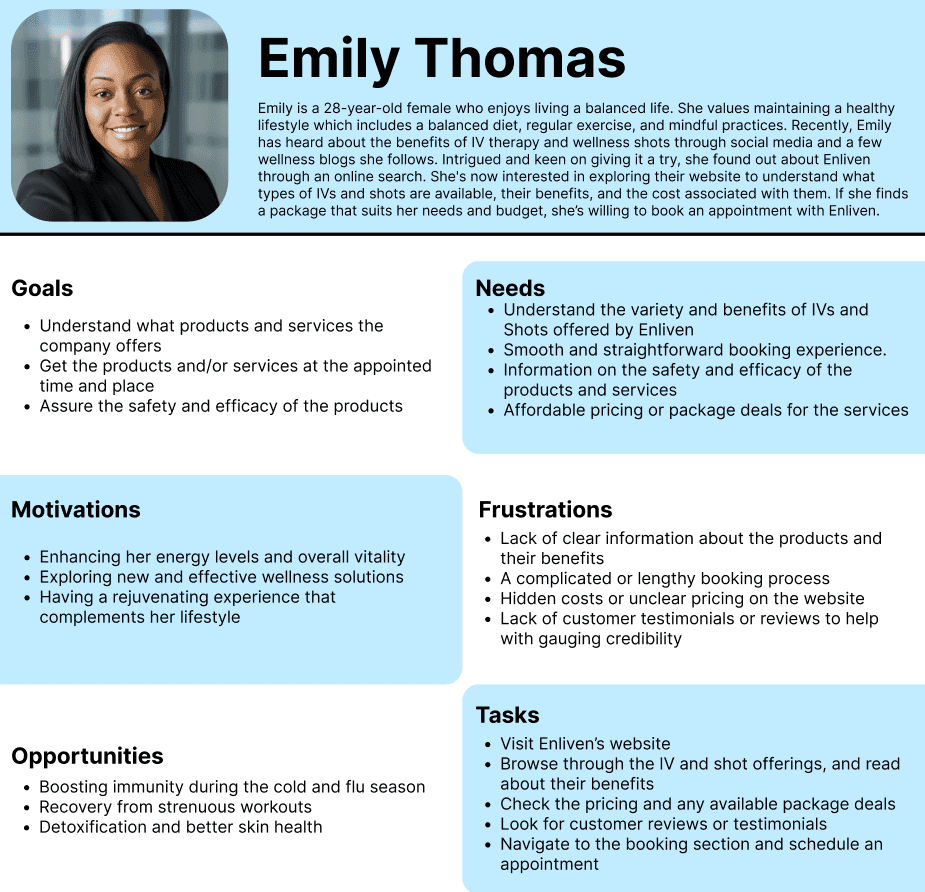
After interpreting the interviewees’ responses and actions, we created 4 personas to embody all of the interviewees. We segmented the personas into primary, secondary, and anti-personas. Each have helped us understand the potential use cases and contexts of the users and customers of the website for Enliven. Below are the personas we created.
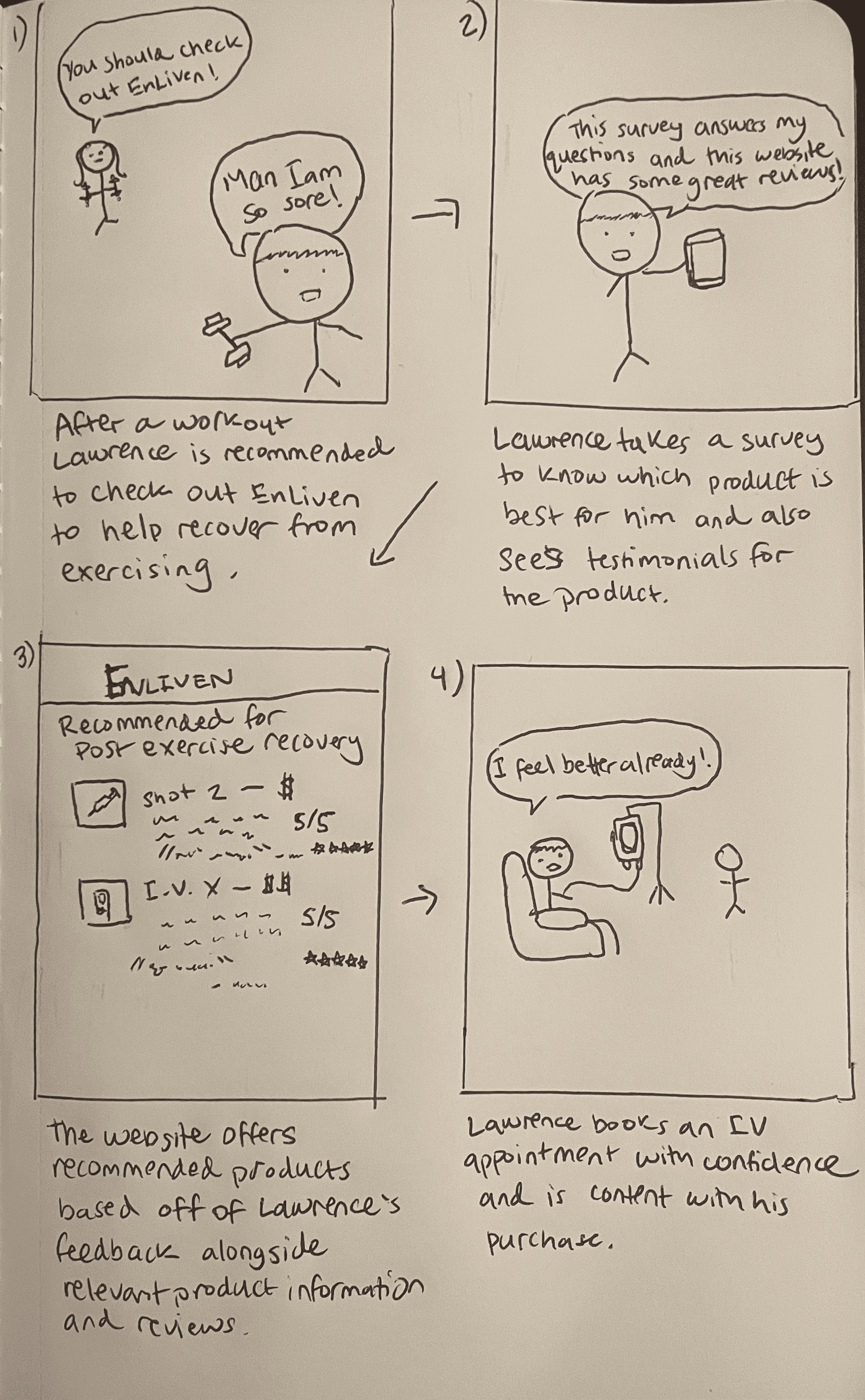
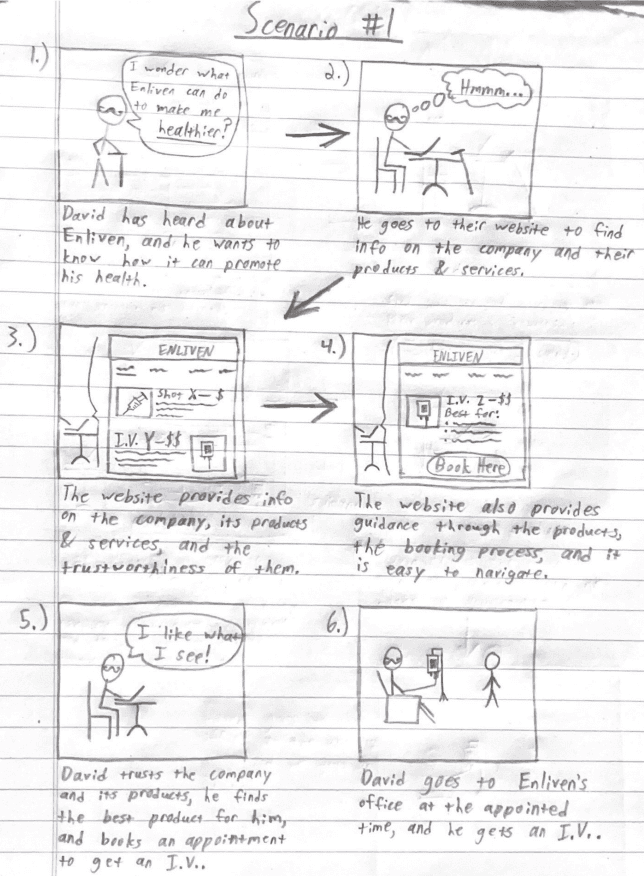
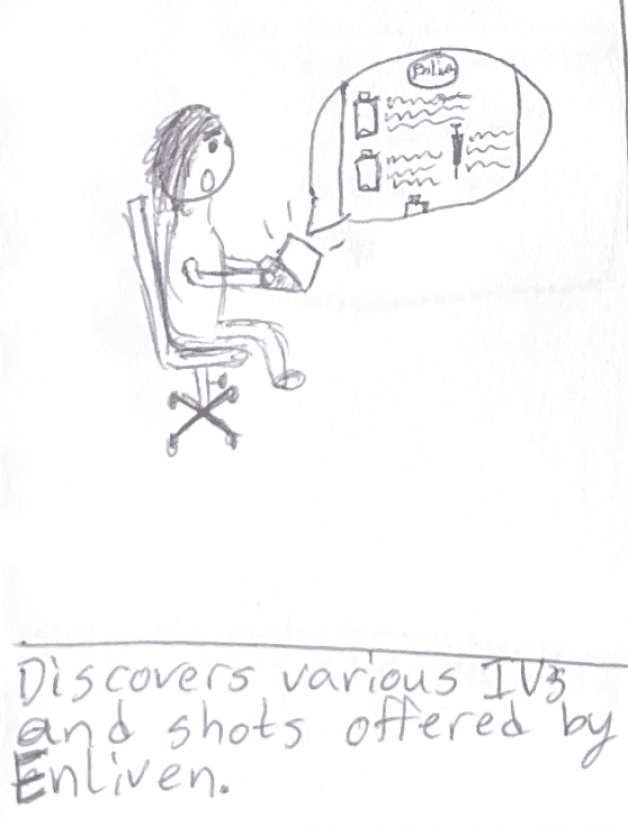
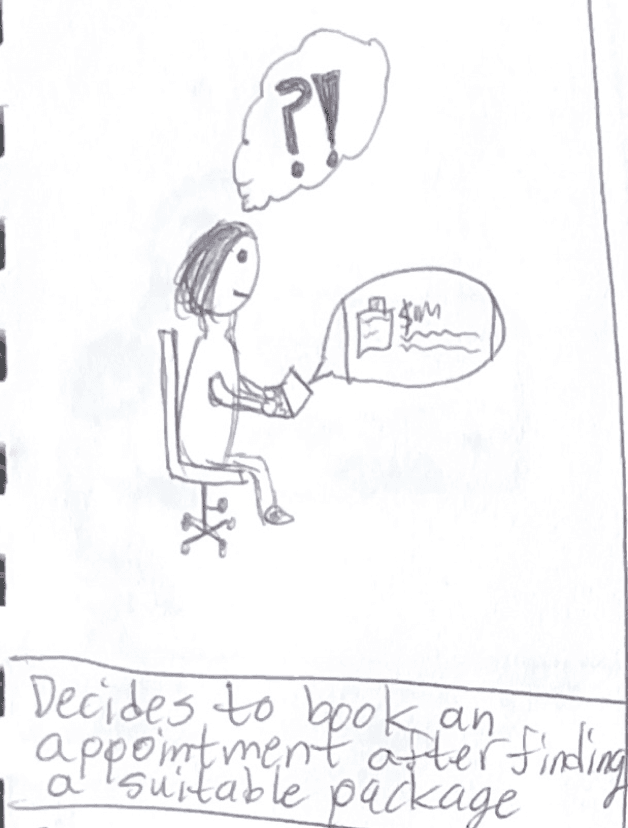
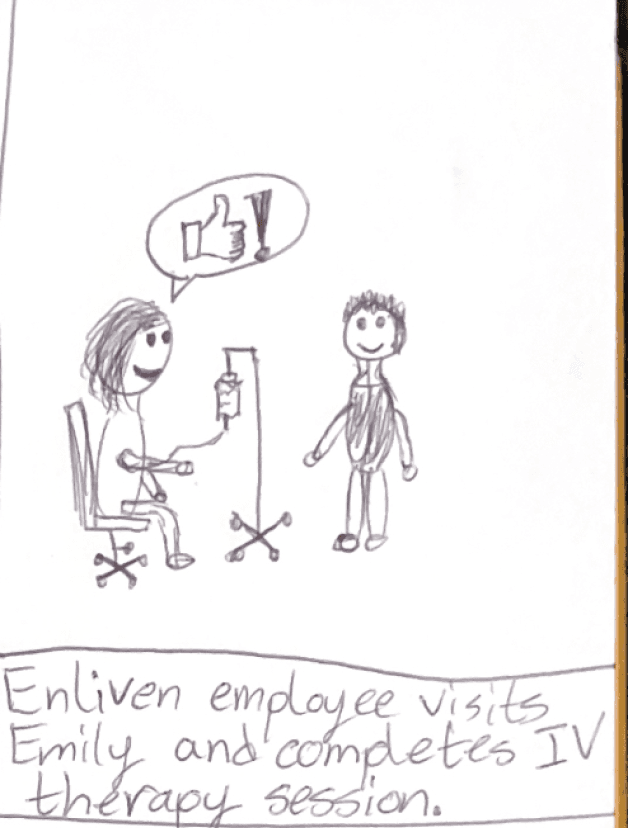
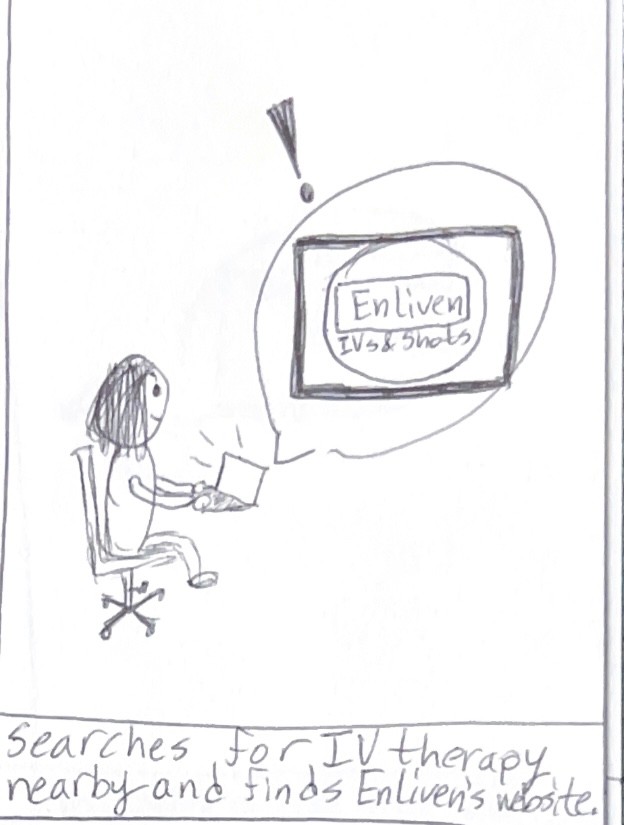
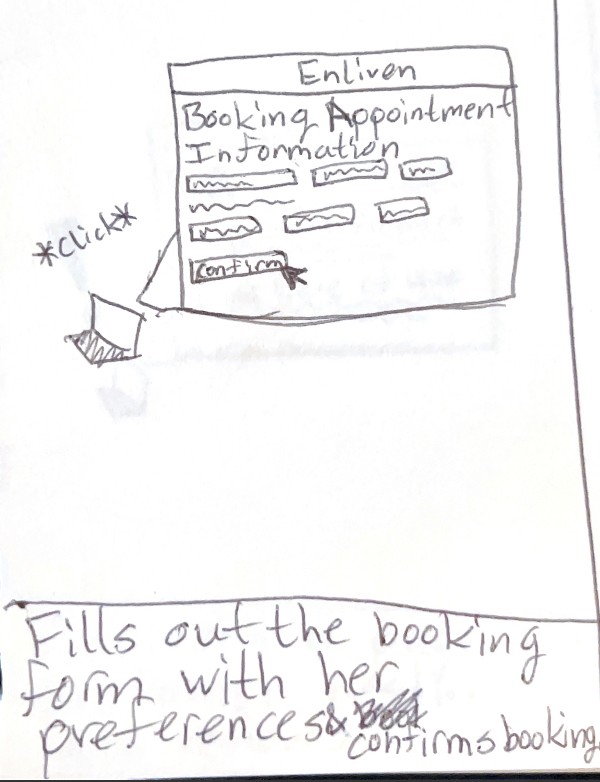
Once we created the personas after our interviews, we created scenarios for the primary and secondary personas. We created these scenarios including/involving the personas, and each have helped us understand the possible use cases for the users of the Enliven website. They help us what they may think and feel while using the website. Below are the three scenarios we created.
03/Ideate

05/Test
After creating the scenarios from our personas and interviews, we created our low, mid-, and hi-fi prototypes of Enliven’s website. We then conducted and recorded a user test on the hi-fi prototype to see how a new user would navigate the website.
The video of the user test and the tasks that were given are in the following links
Final
A feature that I would’ve loved to add is a hamburger menu on the side which displays all the categories. This would make the home page less cluttered and more organized
I loved taking this website and redesigning it with my group. It was a fun project to do in class.
Reflection/Takeaways
Ship sites with style.
Go from design to site with Framer, the web builder for creative pros.
Get Started
Learn More